
To reach frontline workers who don't have company email, send operational updates to the phone they already carry. Use a text message as the default and an automated voice call for people without a smartphone or whose phone stays in a locker during the shift. Send each update only to the site, shift or team it affects, and track who has acknowledged it, so managers follow up with the people still outstanding instead of phoning everyone.
This guide covers why email misses the frontline, when to use text versus voice, what to send, how to target and confirm messages, how operational broadcasts differ from emergency alerting, and what to look for in a tool.
Why company email doesn't reach the frontline
In many plants, warehouses, hospitals and field operations, hourly and shift-based employees either don't have a corporate mailbox or don't check it away from work. The people who most need a schedule change are often on the floor, on the road or asleep before an early shift. When the message only exists in an inbox, it waits.
The usual workarounds have their own problems:
- Phone trees are slow, and the message changes as it passes from person to person.
- Group chats on personal apps give managers no record of who saw the update, and they mix work with employees' personal numbers.
- Workplace apps only reach the people who installed them, remember their login and haven't silenced the notifications. (See why apps alienate frontline workers.)
What almost every employee does have is a phone number. Pew Research Center found that 98% of U.S. adults own a cellphone and 91% own a smartphone (survey conducted February to June 2025). A standard text message or a voice call reaches both groups, including the roughly 7% of adults whose cellphone isn't a smartphone.
Text message or voice call? Use both
Text (SMS) should be the default; voice is the backup that makes the broadcast complete.
- A text message arrives on any cellphone, needs no app or data plan to read, and can be read at a glance from the lock screen. It's best for schedule changes, site updates and announcements that people need to read and keep.
- An automated voice call reads the same message aloud. It reaches employees without a smartphone, people who don't read texts quickly, and sites where phones stay in lockers until break. It's best when a missed message has a real cost, such as a closure or a revised start time.
Sending the same update by both, from one message, means you don't have to decide in advance who prefers which.
How the common channels compare for employees without company email (general comparison):
- Company email: doesn't reach them, and rarely shows who read the message.
- Phone tree: reaches people slowly; you only know who got the message by asking each person.
- Personal group chat: reaches only the people in the group, needs a personal app, and shows partial "seen" markers.
- Workplace app: reaches only people who installed it and can sign in.
- SMS + automated voice broadcast: reaches anyone with a phone number, needs no app or login, and shows delivery status and acknowledgements.
What to send by broadcast (and what not to)
A broadcast is for information many people need at once and soon. Common operational uses:
- Severe weather and closures: a site suspends operations, a shift is released early, or a yard is closed.
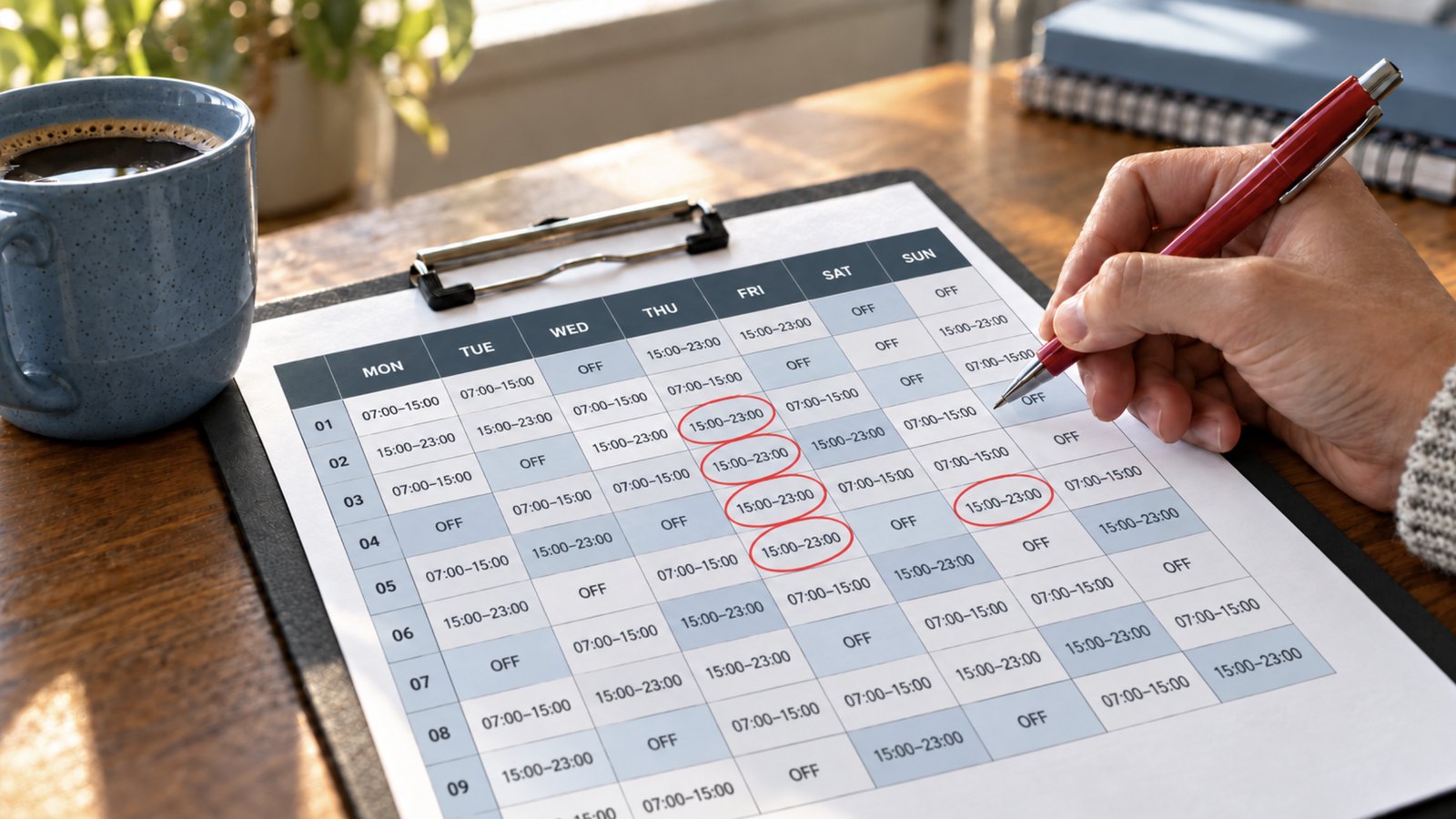
- Schedule changes: a revised start time sent before people leave home, a changeover that moves a shift, an overtime opportunity.
- Site updates: an area offline, an entrance closed, a service interruption.
- Urgent notices that can't wait for the next shift briefing.
- General announcements: a training sign-up deadline, an early timesheet cut-off.
Keep each message short and complete: who it's for, what changed, what to do, and by when. For example: "North Plant, 2nd shift: start time moved to 4:00 p.m. today for a line changeover. Report to the main entrance."
Don't use workforce broadcasts for marketing, long policy documents, or anything about one individual (discipline, medical or pay details). Those belong in a private conversation or your HR system.
Send it only to the people it affects
Target every broadcast to the smallest group that needs it: a site, a shift, a department or a team. Messages sent to everyone, about things that don't affect them, teach people to ignore the next text.
A multi-site operation might have a storm at one distribution center while three other sites run normally. The right broadcast goes to that site's employees on the affected shifts, not to the whole company. That only works if your contact list is organized the way you operate: by location, shift and team, and kept current as people join, leave or change shifts.
Confirm who got it: delivery and acknowledgement
Sending the message is only half the job. Track two things: delivery status (did the message reach the phone network) and acknowledgement (did the person confirm they saw it). Then follow up only with the people still outstanding.
No tool can promise that every message is delivered. Phones are switched off, out of signal or changed, and carriers sometimes delay messages. What a good system gives you is visibility: who confirmed, who didn't, and who to call.
When you need information back, not just a confirmation, follow the broadcast with a short set of questions. After a storm, for example: Are you safe? Do you have power? Do you need follow-up assistance? Structured answers are easier to act on than a stream of free-text replies. (Frekyl does this with Forms, where configured.)
Operational broadcasts are not a substitute for emergency alerting
A workforce broadcast tool is for operational communication. It doesn't replace your site's alarm system or emergency action plan.
In the U.S., an employer covered by an OSHA emergency action plan requirement must "have and maintain an employee alarm system" that uses "a distinctive signal for each purpose" (29 CFR 1910.38(d)), and the alarm must be perceivable above ambient noise by all employees in the affected area (29 CFR 1910.165). Evacuations and other life-safety events run through those systems and procedures.
Text and voice broadcasts work alongside them: the closure notice the night before, the delayed start, the safety check-in afterwards. If you're comparing tools, check whether a vendor positions its product as certified emergency or public-safety notification, or as workforce communication. They are different jobs.
What to look for in an SMS and voice broadcast tool
Use this checklist to compare options:
- Text and automated voice from one message, sent by either channel or both.
- No app, login or company email for employees. Anything employees have to install or sign in to will miss part of the workforce.
- Targeting by individual, team, department, site and custom group, as well as organization-wide.
- Delivery status and acknowledgement per person, visible to managers while the broadcast is still running.
- Follow-up questions that return structured answers.
- Multi-site control: message one site without touching the others.
- Current contact data: a way to keep numbers and groups up to date, either standalone or synced with your HR and workforce systems.
- Connection to the rest of shift operations: if you also handle call-offs and open shifts by text and phone, consider whether one platform can cover both.
- A clear position on emergencies: the vendor states what the product is and isn't for.
Rolling it out: six steps
- Collect work-contact numbers at hiring and in your HR records, and tell employees what kinds of messages they'll receive.
- Define message types and senders: who can send a site-wide closure, who can message a single shift.
- Build groups that match how you operate: sites, shifts, departments, teams.
- Pilot at one site, then check delivery and acknowledgement rates before expanding.
- Set a follow-up rule, such as calling anyone who hasn't acknowledged a closure notice within a set time.
- Review after each event: what was sent, who missed it and why.
How Frekyl handles workforce broadcasts
Frekyl Broadcast Notifications sends workforce updates by SMS, by automated voice call (IVR), or both at once, to individual employees, teams, departments, sites, workforce groups or the whole organization. Employees don't need an app, a login or a company email address: the update arrives as a normal text or phone call.
Managers and admins work in the Frekyl web app. They can see supported delivery status for each broadcast and, where configured, who has acknowledged it and who is still outstanding. Where configured, a broadcast can be followed by a Frekyl Form to collect structured answers back.
Frekyl is workforce communication software, not a certified emergency or public-safety notification system. It's used for operational moments: weather closures and schedule changes in manufacturing and logistics, site conditions across oil and energy operations, staffing and schedule updates in healthcare, and service disruptions and facility closures in the public sector.
Want to see a broadcast go from one message to a confirmed list? Book a demo.
Frequently asked questions
How do you communicate with employees who don't have company email?
Send updates to their phones by text message, with an automated voice call for anyone without a smartphone or who can't check a screen during the shift. Target the message to the site or shift it affects and track acknowledgements so you know who still needs a follow-up.
Is a text or a phone call better for urgent shift updates?
Text is faster to read and easy to keep for reference; a voice call is harder to miss and works on any phone. For updates where a missed message has a cost, such as a closure or a revised start time, send both.
What if some employees don't have smartphones?
A standard text message works on any cellphone, and an automated voice call reads the message aloud. Neither needs an app or a data plan.
Can you message just one site or shift?
Yes, if your tool supports targeting and your contact groups reflect how you operate. Send each update only to the employees it affects.
Can employers text employees on their personal phones?
Generally yes, when employees provided the number for work and know what messages to expect, but rules apply. In the U.S., the Telephone Consumer Protection Act can apply to automated calls and texts that employers send to employees (TCPAWorld, 2021). Keep messages operational, document how numbers were collected, and check your policy with legal counsel. This isn't legal advice.
Do we still need an emergency notification system?
Yes, if your operations require one. A workforce broadcast tool handles operational communication. Life-safety alarms and evacuation procedures run through your alarm system and emergency action plan.