Broadcast Notifications

Reach your workforce in seconds

Send important workforce updates by SMS and automated IVR to the employees, teams, sites, or groups that need them — without email chains or manual phone trees.

SMS & IVRTargeted recipientsDelivery & acknowledgement visibility
An employee at home during a storm receives a Frekyl hurricane update by SMS, and a safety check-in form records who has been marked as safe

Important workforce updates still get lost in the wrong channels

Email waits for someone to check it
Frontline employees may not be sitting at a corporate inbox.
Phone trees create delay
Managers waste time repeating the same message person by person.
Group chats lose visibility
It becomes difficult to know who received or acknowledged an important update.
Use cases

One broadcast workflow. Different operational moments.

The composer does not change. What changes is who needs to hear it, and how fast.
Gulf Coast Distribution Center · Houston, TX
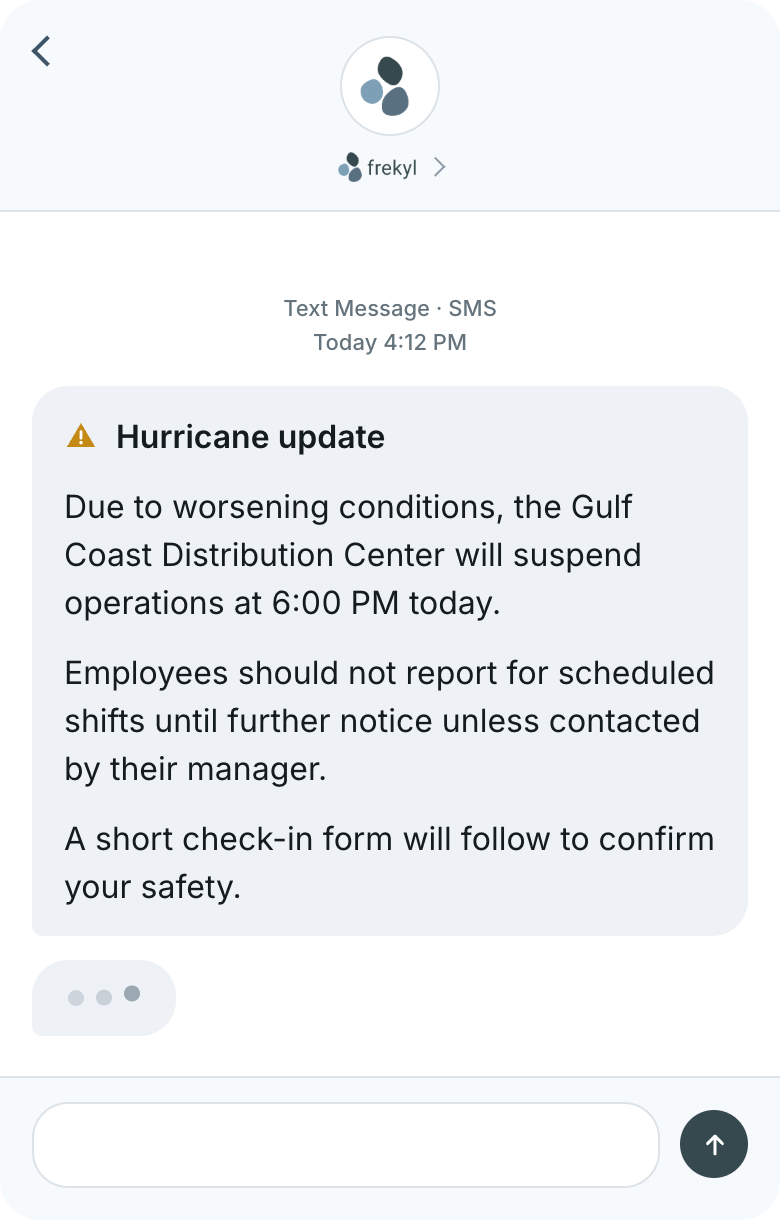
Operations suspended ahead of the storm
Also used for
Ice storm — second shift released two hours early
Flood warning — east yard closed, staff redirected
Tornado watch — shelter-in-place instruction by site
Single affected site
SMS and IVR together
Follow-up form available
An employee receives the hurricane update by text on their phone
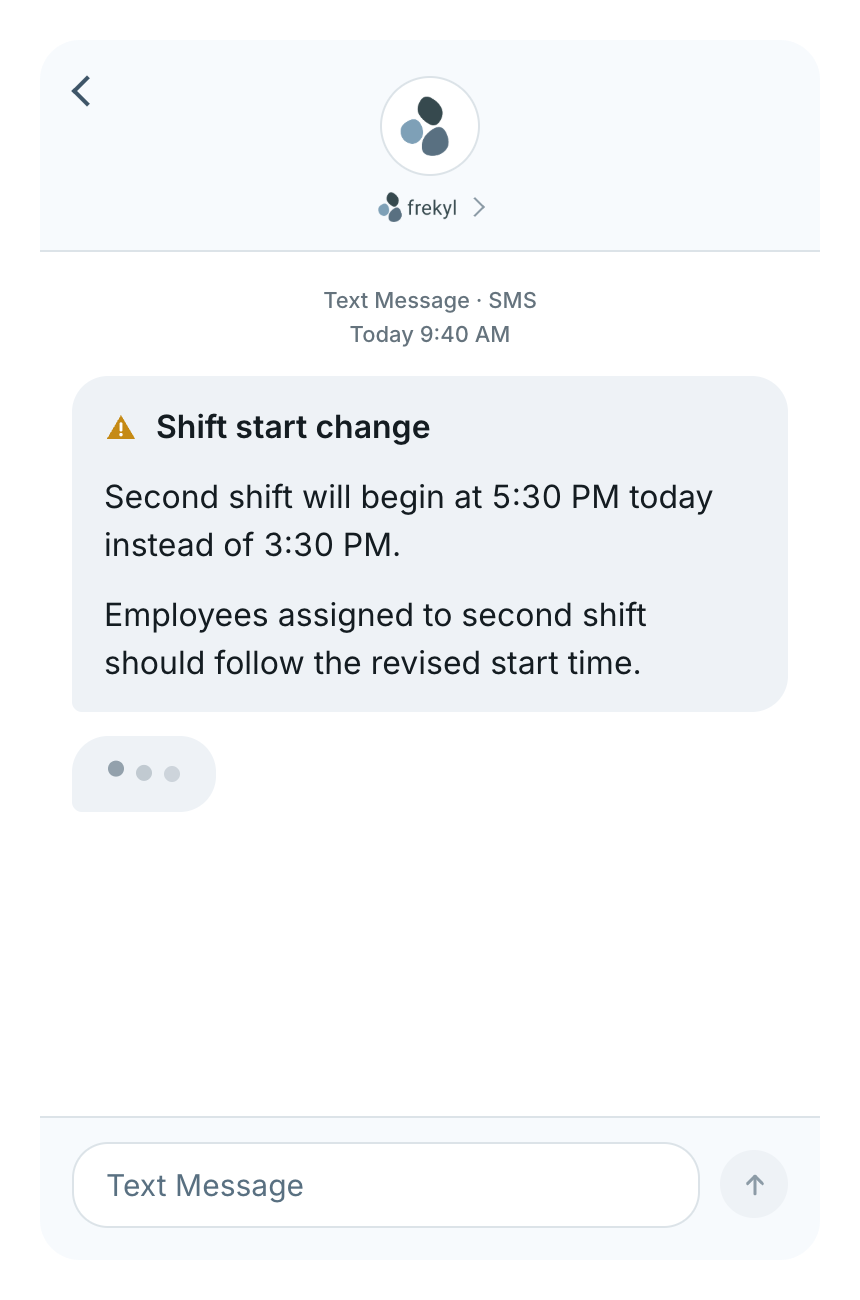
North Plant · Second shift
A revised start time, before anyone travels in
Also used for
Line changeover — start pushed 90 minutes
Overtime opportunity opened on Saturday days
Shutdown week — revised roster for maintenance crews
One shift, not the whole plant
Sent before the commute
Acknowledgement visible
A Frekyl shift start change text message
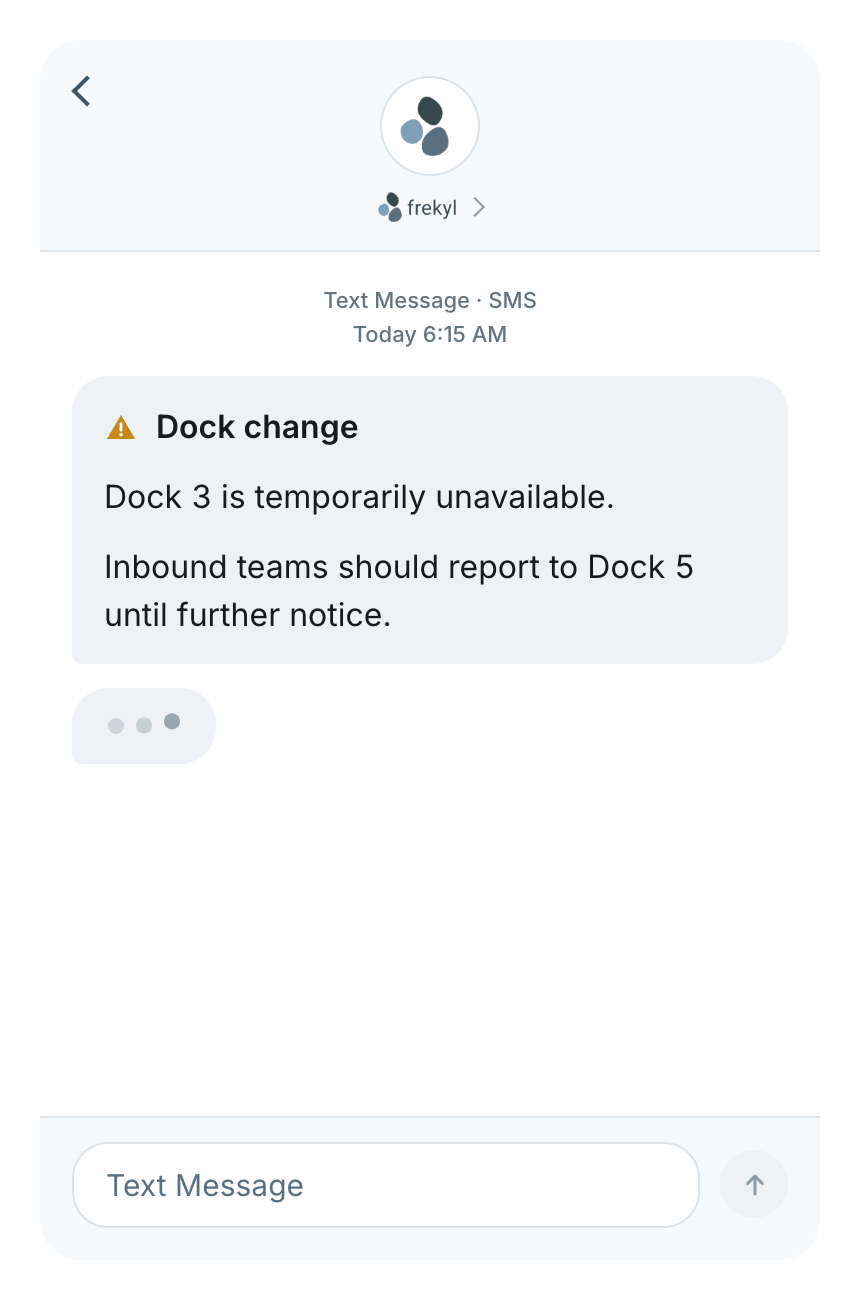
Regional Warehouse · Inbound
An operational change on the floor
Also used for
Cold storage offline — divert pallets to Bay 2
Parking lot resurfacing — use the south entrance
Canteen closed for refit — hot food van on site
Targeted to inbound teams
Sent at shift start
No app required
A Frekyl dock change text message
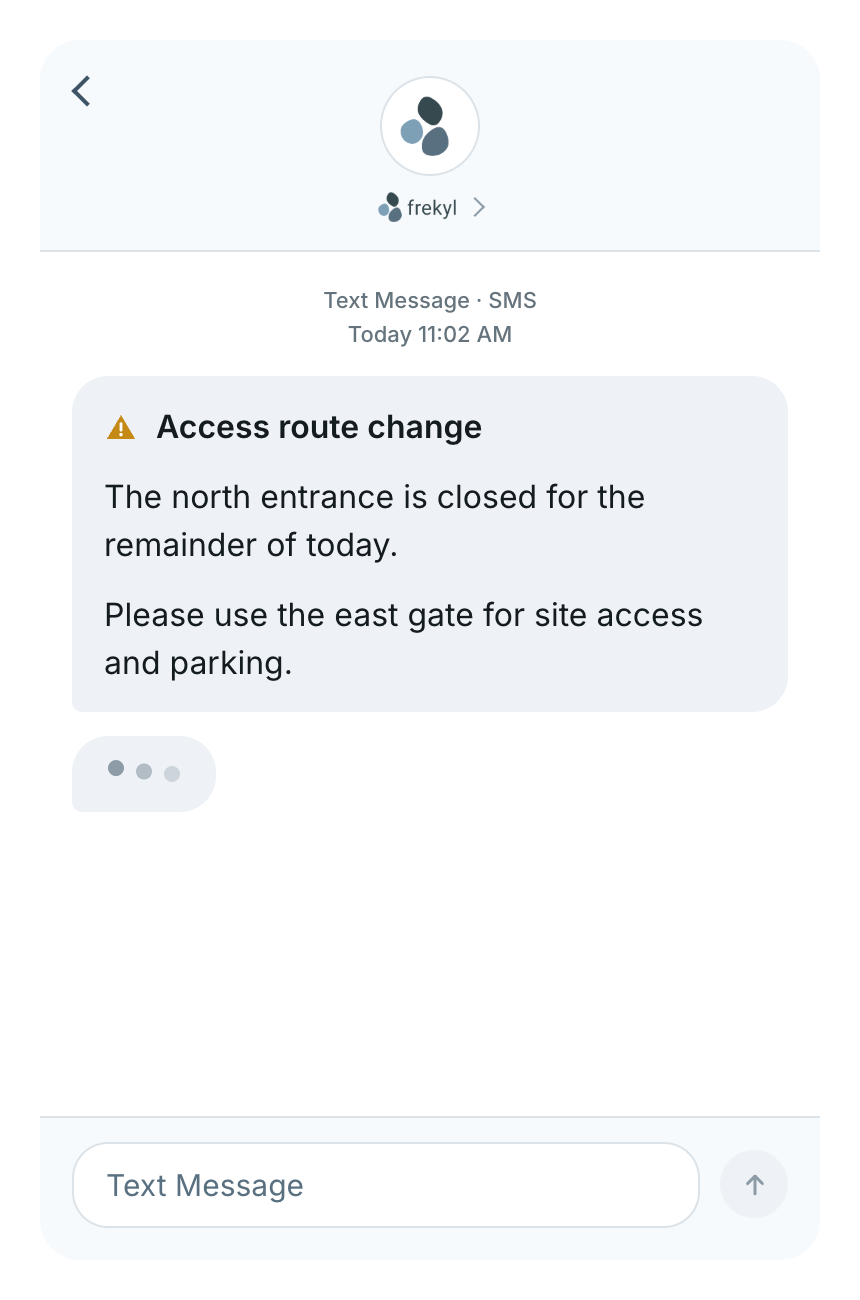
All sites · Operations
A notice that cannot wait for the next shift briefing
Also used for
Contractor work — east yard restricted until 4:00 PM
Water supply interrupted — bottled water at reception
Network outage — scanning on paper until resolved
All sites at once
SMS and IVR together
Outstanding recipients flagged
A Frekyl access route change text message
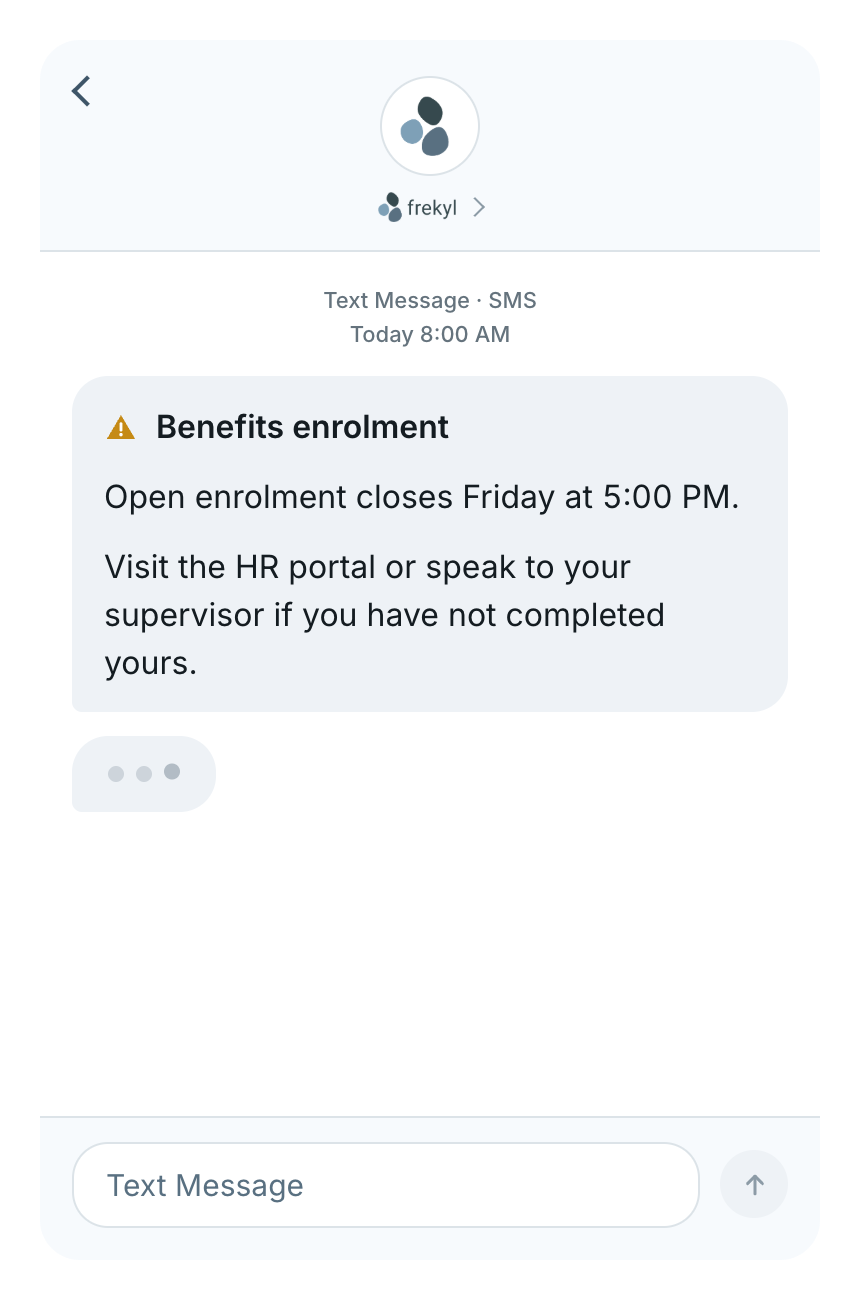
Organization-wide
Not everything is an emergency
Also used for
Safety training — bookings close Thursday
Payroll cutover — timesheets due a day early
Long-service awards — presentation Friday at 2:00 PM
Organization-wide
Scheduled ahead of the deadline
No phone tree needed
A Frekyl benefits enrolment text message
Targeted communication

Not every message needs to go to everyone

A closure at one distribution centre does not concern the plant two states away. Choose the audience that the update actually affects, and leave everyone else working.
Individual employees
Teams
Departments
Sites
Workforce groups
Organization-wide
Selecting the audience
Organization1,244
Gulf Coast region612
Gulf Coast DC428
Selected recipients428
Illustrative. Targeting options depend on how your workforce groups are configured.
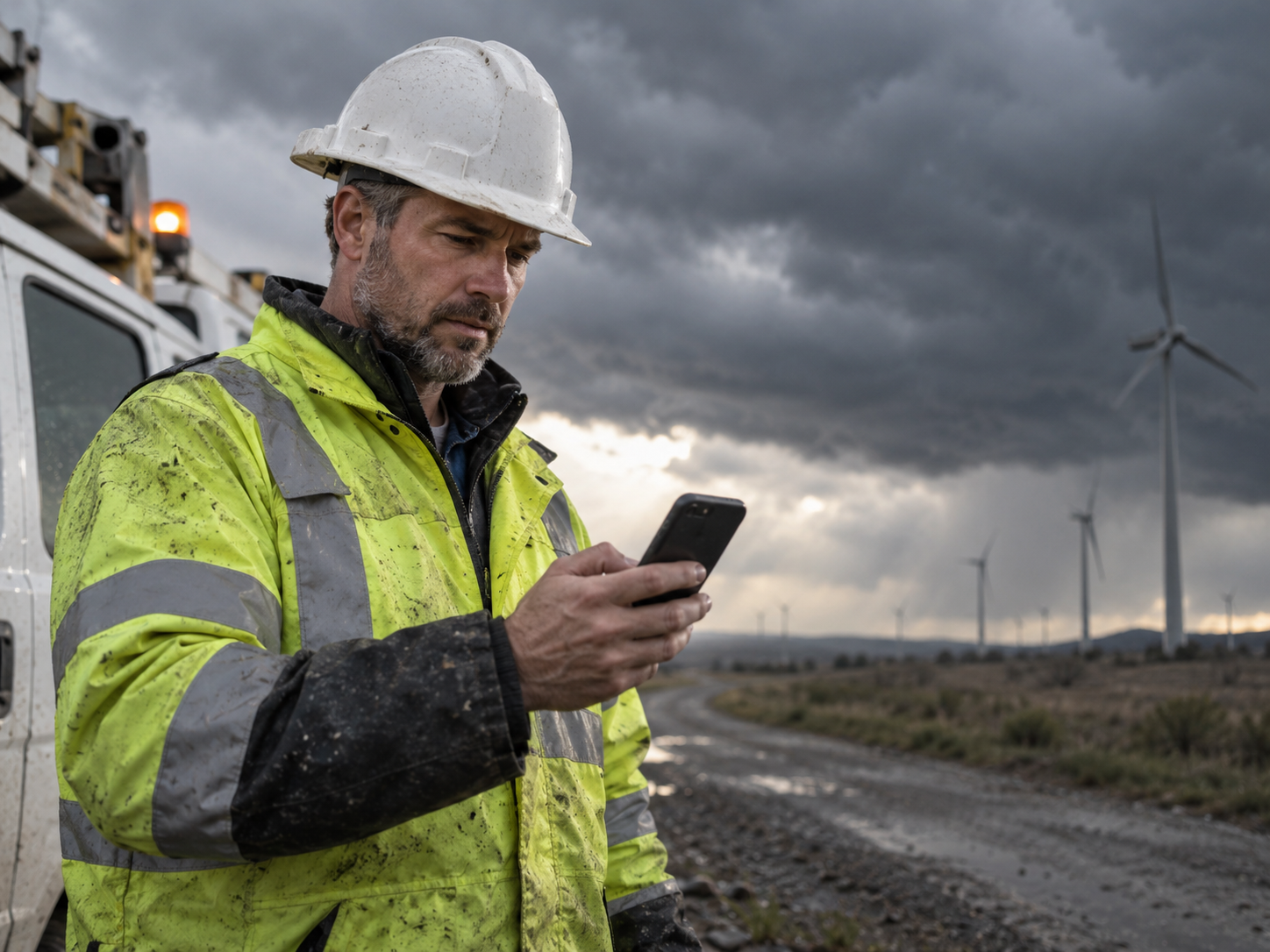
An employee at home during severe weather, checking their phone
Deskless by default

The message reaches employees wherever the shift finds them

Frontline and deskless employees may be at home, on the road, on-site, or nowhere near a corporate computer when an operational update goes out.

SMS and IVR reach them through channels they already use — no app to open, no inbox to remember to check.

No app required

Reach people through the phone they already use

No download, no login, no training. The message arrives the same way everything else does.
An employee receives a Frekyl broadcast by text on their phone
By text
SMS
The update arrives as a normal text message. Nothing to install, and it is readable at a glance from a lock screen.
By phone
Automated IVR
The same message delivered as a voice call, for employees without a smartphone or on sites where phones stay in a locker.
Incoming call · Frekyl
“This is an operational update from Gulf Coast Distribution Center.”
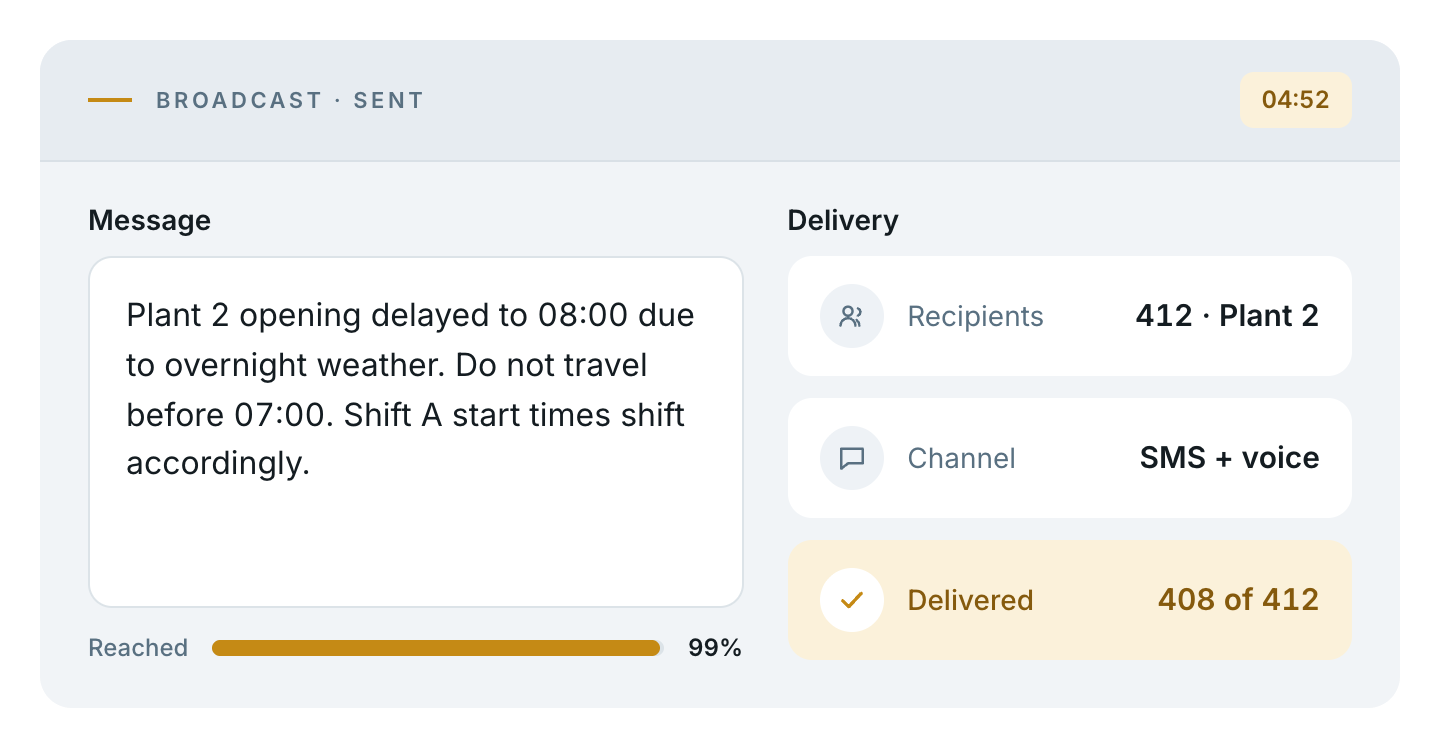
Broadcast sent — Plant 2 opening delayed to 08:00 due to overnight weather, sent to 412 recipients at Plant 2 by SMS and voice, 408 of 412 delivered
Hurricane update · Gulf Coast DC
SMS + IVRSent 16:12
428
sent
411
delivered
386
acknowledged
25
outstanding
MAM. AlvarezDock 4 · 2nd shiftAcknowledged
JTJ. TranInbound · 1st shiftAcknowledged
RBR. BaptisteDock 3 · 2nd shiftDelivered
PSP. SantosOutbound · 3rd shiftAcknowledged
DFD. FreyYard · 1st shiftDelivered
Know what happened

Sending the message is only half the job

See delivery and acknowledgement status where supported, rather than assuming the message landed. Outstanding recipients stay visible, so a follow-up goes to the people who still need it.

Broadcast + Forms

When a message needs an answer

Some situations need more than an update. Where configured, a broadcast can be followed by a Frekyl Form to collect structured responses back.

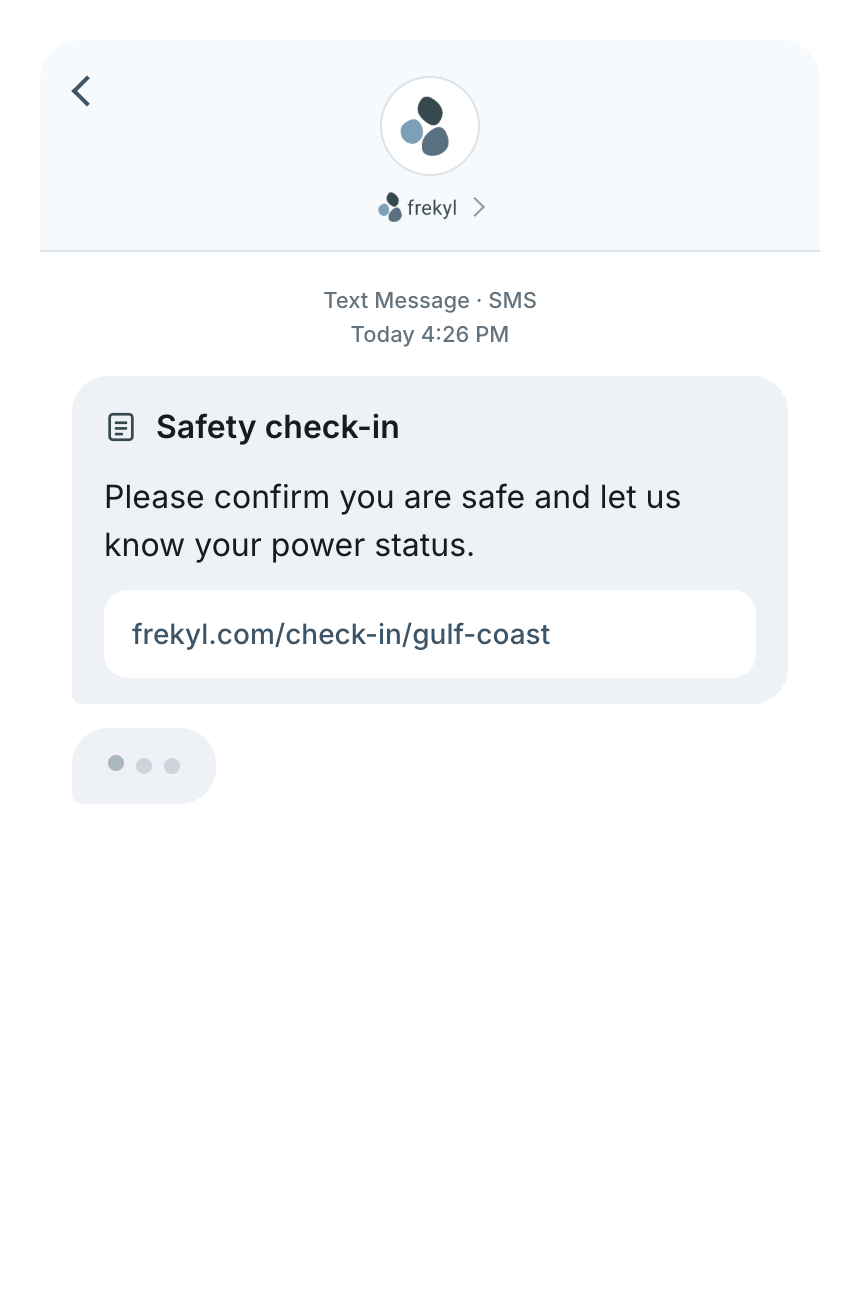
An employee receives a safety check-in form link by text, and a responses card shows 128 of 146 confirmed
1
Broadcast sent
The update goes out by SMS or automated call.
2
Follow-up Form
Where configured, a short form follows the message.
3
Manager visibility
Responses arrive as structured data, not scattered replies.
Example questions
Are you safe?
Do you currently have power?
Do you need follow-up assistance?
Explore Forms→
Multi-site

Send one update without treating every site the same

Houston, TX
Gulf Coast Distribution Center
428 employees · 3 shifts
Message sent
Toledo, OH
North Plant
612 employees · 3 shifts
Not affected
Memphis, TN
Regional Warehouse
204 employees · 2 shifts
Not affected
Distributed
Field Operations
88 employees · on call
Not affected
One message can go to a single affected site, several sites, a workforce group, or the whole organization — depending on how your groups are configured.
Connected platform

Communication doesn’t have to live in a separate system

Broadcast Notifications is the outbound communication layer across the Frekyl platform. Use it on its own, or alongside the products your operation already runs.

Absence Reporting
Coverage IQ
Shift Filling
Broadcast Notifications
The outbound communication layer
Agency Connect
Forms
Where it’s used

The moments that cannot wait for an email

Integrations

Works alongside your workforce systems

Frekyl runs standalone. Where integrated, workforce and absence data can flow between Frekyl and existing HR and workforce systems.

Explore integrations→

Workday, UKG, SAP, Dayforce, Microsoft Dynamics 365, Oracle and other workforce systems connecting with Frekyl
Questions

Broadcast Notifications FAQs

How can Broadcast Notifications be sent?
Messages can be sent by SMS, by automated IVR voice call, or both at once, depending on how you configure the broadcast.
Can we send a message to only part of the workforce?
Yes. You can target individual employees, teams, departments, sites or workforce groups, depending on how your groups are configured.
Can we send a message to the entire organization?
Yes. Where appropriate, a broadcast can go organization-wide rather than to a selected group.
Can managers see whether a message was delivered?
Managers can see supported delivery status for a broadcast, rather than assuming the message landed. Frekyl does not guarantee delivery, since that depends on carriers and device availability.
Can employees acknowledge a message?
Acknowledgement is supported where configured, so managers can see who has confirmed receipt and who is still outstanding.
Can Broadcast Notifications be used for severe-weather updates?
Yes. Severe weather, closures and delayed starts are common operational uses. Frekyl is workforce communication software and is not a certified emergency or public-safety notification system.
Can Broadcast Notifications be followed by a Form?
Where configured, a broadcast can be followed by a Form when structured information is needed back from employees — for example a safety check-in after severe weather.
Is this an emergency notification system?
No. Broadcast Notifications is for operational workforce communication. It is not certified as an emergency-notification or public-safety alerting system, and should not replace one.
Broadcast Notifications

When everyone needs to know, don’t start a phone tree

Send workforce updates through SMS and automated IVR, target the people who need the message, and keep visibility into the communication.

What we’ll walk through
Your sites, groups and recipient lists
A live broadcast by SMS and IVR
The delivery and acknowledgement view